Consumer Rights & Connections
MEPCO New Connection Online Apply (ENC Portal): Step-by-Step Procedure, Demand Notice Fees, Required Documents & Application Tracking 2026
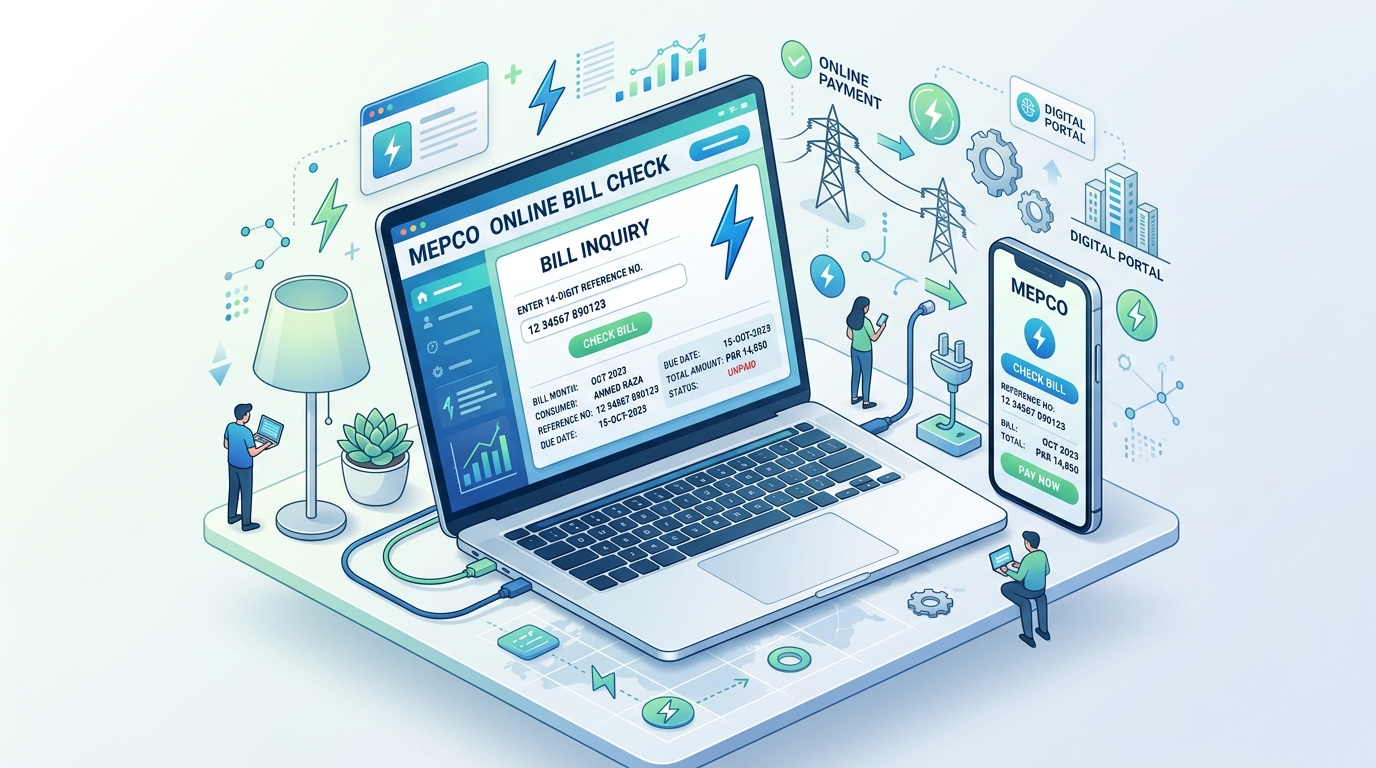
Applying for a new domestic, commercial, or agricultural electricity connection in Southern Punjab no longer requires repeated physical visits to sub-divisional offices or relying on unverified third-party middlemen. Under the Ministry of Energy directives and the centralized Electricity New Connection (ENC) system (enc.com.pk), Multan Electric Power Company (MEPCO) allows citizens across Multan, Bahawalpur, Sahiwal, Rahim Yar Khan, and 9 adjacent districts to register applications, track feasibility surveys, download automated Demand Notices, and monitor meter commissioning entirely online.
Whether you are constructing a new residential home, setting up a tube well, upgrading to a 3-phase industrial power load, or splitting meters in multi-story family homes, this exhaustive guide details the statutory legal requirements, official Demand Notice tariffs for 2026, required judicial documentation, wiring test certifications, and how to contest delays under NEPRA's Consumer Service Manual (CSM).
💡 میپکو نیا بجلی میٹر کنکشن 2026 — اہم ترین نکات (Urdu Highlights)
- آن لائن پورٹل: میپکو میں نئے گھریلو یا کمرشل کنکشن کی درخواست اب صرف سنٹرلائزڈ پورٹل
enc.com.pkکے ذریعے آن لائن جمع ہوتی ہے۔ - سنگل فیز ڈیمانڈ نوٹس فیس: 40 میٹر تک سروس لائن کے لیے سنگل فیز میٹر کا ڈیمانڈ نوٹس عموماً 8,500 روپے سے 14,000 روپے کے درمیان ہوتا ہے۔
- لازمی دستاویزات: شناختی کارڈ کاپی، ملکیتی ثبوت (فرد / رجسٹری / الاٹمنٹ لیٹر)، گواہان کے CNIC، ہمسائے کے ادا شدہ بل کی کاپی، اور منظور شدہ الیکٹریشن کی وائرنگ ٹیسٹ رپورٹ درکار ہوتی ہے۔
- درخواست کی ٹریکنگ: آن لائن ٹریکنگ کے لیے اپنا Tracking ID یا شناختی کارڈ نمبر پورٹل پر درج کرکے موجودہ اسٹیٹس چیک کیا جا سکتا ہے۔
- میٹر تنصیب کی قانونی مدت: ڈیمانڈ نوٹس بینک میں جمع کرانے کے بعد سنگل فیز میٹر 30 سے 45 دنوں کے اندر لگانا واپڈا کا قانونی فرض ہے۔
1. The ENC Portal Framework & Categorization of MEPCO Connections
Before initiating your digital application, it is essential to understand the connection category you belong to, as regulatory approval timelines, sanctioning authorities, and demand notice calculation methodologies vary significantly:
| Connection Category | Sanctioned Load Limits | Approval Authority | Statutory Timeline (CSM) |
|---|---|---|---|
| Category 1 (Domestic / Single Phase) | Up to 15 kW (Standard domestic 1kW - 4kW) | Sub-Divisional Officer (SDO) / RO | 30 Calendar Days |
| Category 2 (3-Phase Domestic / Commercial) | 16 kW to 70 kW (Standard 3-phase domestic & shops) | Executive Engineer (XEN) | 45 Calendar Days |
| Category 3 (General Heavy Commercial / Tubewell) | 71 kW to 500 kW (Schools, plazas, agriculture tubewells) | Superintending Engineer (SE) | 73 Calendar Days |
| Category 4 (Industrial & Housing Societies) | Above 500 kW (Factories, flour mills, bulk supply) | Chief Executive Officer (CEO MEPCO) | 90 to 120 Days |
2. Compulsory Documentation Checklist for Online Submission
Incomplete documentation is the leading cause for application rejection or prolonged status flags on the ENC portal. Prepare clear scanned copies (PDF or JPG format under 300 KB per document) of the following mandatory records before opening the form:
- 1. Proof of Ownership (Property Title): Registered Sale Deed (Baye Nama / Registry), Fard Malkiat issued by the Land Revenue Department (not older than 3 months), or an official Allotment Letter from recognized statutory housing authorities (MDA, DHA, WAPDA Town, FDA). If applying as a tenant, provide a registered tenancy agreement accompanied by a written No Objection Certificate (NOC) from the landlord on an attested judicial stamp paper.
- 2. Valid CNIC of Applicant: Scanned color copy of the front and back of the applicant's computer-issued National Identity Card.
- 3. Witness Identification: CNIC copies of two independent witnesses who reside within the identical sub-division or revenue estate.
- 4. Neighbor Paid Electricity Bill: An official paid electricity bill copy of an immediate adjoining premises. This bill enables the MEPCO GIS surveying team to map your feeder name, distribution transformer code, and pole coordinates without physical survey delays.
- 5. Wiring Contractor Certificate (Test Report): Form-A interior electrical installation certificate certified by an authorized Licensed Electric Inspector or contractor licensed by the Provincial Electric Inspector, Government of Punjab.
- 6. Non-Encumbrance / Arrears Undertaking: An affidavit affirming that the premise possesses no prior outstanding defaults, disconnection penalties, or detection bills under Section 39-A.
3. Step-by-Step Online Application Procedure on ENC Portal
Follow this exact chronological workflow to register your application smoothly:
1 Step 1: Open ENC Centralized Portal
Launch your browser and visit the official unified portal: https://www.enc.com.pk. On the main navigation header, click on the green button titled "Apply New Connection".
2 Step 2: Select Company & Sub-Division
In the Distribution Company drop-down, select MEPCO. Next, choose your relevant district (e.g., Multan, Khanewal, Lodhran, Vehari, Bahawalpur, Bahawalnagar, Rahim Yar Khan, Muzaffargarh, Layyah, D.G. Khan, Rajanpur, Sahiwal, Pakpattan). The portal will populate the respective Sub-Division. Ensure you choose the exact sub-division printed on your neighbor's bill.
3 Step 3: Enter Applicant & Property Details
Choose connection type: Domestic (A-1), Commercial (A-2), Industrial (B), or Agricultural (D). Specify the requested connected load in Kilowatts (standard single-family residential is usually 1 kW to 3 kW). Fill in your full legal name matching your CNIC, father/husband name, residential address, and active mobile phone number (vital for SMS tracking alerts).
4 Step 4: Upload Required Scanned Files
Attach the scanned ownership deed, CNIC copy, neighbor's bill copy, and applicant photo into their dedicated file slots. Click Submit Application.
5 Step 5: Save & Print Your Tracking ID Challan
Upon submission, the portal generates a unique Tracking ID (e.g., MEP-2026-XXXXX) and a downloadable application summary sheet. Print this document for physical records and future sub-division references.
4. Understanding the Demand Notice: Calculation, Payment & Submission
A Demand Notice (DN) represents the legal quotation issued by MEPCO after the Line Superintendent (LS) conducts an on-site feasibility survey. The demand notice contains discrete line items:
- Security Deposit: Held in escrow as insurance against future electricity bill defaults. Refundable or transferable upon formal meter relinquishment.
- Capital Cost (Meter & Equipment): Covers the procurement price of the physical energy meter (Single Phase static LCD or 3-Phase bi-directional / TOU unit).
- Service Connection Charges: Cost of service wire cable (standard up to 40 meters). If your premise is located beyond 40 meters from the nearest transformer pole, extra per-meter cable charges or pole extension (LT pole erection) fees apply.
5. How to Track Your MEPCO New Meter Status Online
Tracking your submitted application ensures you know the exact departmental stage and prevents file bottlenecks:
- Visit
enc.com.pkand click the Track tab in the navigation menu. - Select "New Connection" as the query subject.
- Choose MEPCO from the drop-down menu.
- Enter your Tracking ID (or the CNIC number submitted during application).
- Click Submit. The portal displays a real-time status card showing:
- Application Received & Verified
- Site Survey Scheduled / Completed
- Demand Notice Generated (Available for Download)
- Demand Notice Payment Acknowledged
- Store Requisition Order (SRO) Issued
- Meter Installed & Service Active
6. Common Reasons for Application Rejection & How to Prevent Them
Under NEPRA Consumer Service Manual audits, the most frequent causes of delay and dispute include:
- Previous Defaulter Premises (Detection History): If the property previously had a disconnected meter with unpaid circular debt or detection charges, MEPCO cannot legally energize a new connection until prior arrears are either paid or adjudicated before the Provincial Electric Inspector.
- Excessive Pole Distance (>40 Meters): If your construction sits far from the established low-tension (LT) line, standard single-phase fees will not cover line extension. You will be issued a revised Estimate Demand Notice requiring a dedicated pole or transformer augmentation.
- Disputed Land Title / Missing NOC: Submitting temporary possession receipts instead of verifiable land ownership documents leads to immediate application rejection during SDO scrutiny.
7. Frequently Asked Questions (FAQ)
Q1: Can I apply for a separate second meter in the same house?
Yes. Under NEPRA regulations, you can install a second independent meter in a joint property provided there is a separate physical residential portion with an independent kitchen, independent wiring circuit, and separate entrance.
Q2: How long is a MEPCO Demand Notice valid after issuance?
A Demand Notice remains strictly valid for 30 days from its date of generation. If you fail to deposit the fee within 30 days, the notice expires, requiring the applicant to request a revalidation or re-survey from the sub-division.
Q3: Who do I complain to if MEPCO delays meter installation beyond 30 days?
If MEPCO fails to install the meter within statutory timelines after payment, submit a formal petition to the MEPCO Consumer Complaints Cell (Toll-Free: 0800-63726) and simultaneously file a delay grievance before the NEPRA Consumer Affairs Division (CAD) at nepra.org.pk.
Conclusion & Quick Links
The digitization of MEPCO new connections under the ENC portal ensures complete transparency, eliminating unnecessary delays and unauthorized demands. Keep your paid challan and wiring test reports secure until your permanent 14-digit reference number is printed on your maiden monthly statement.
Once your new meter is active, you can check and download your monthly bills, verify slab charges, and monitor consumption through our dedicated MEPCO Duplicate Bill Checker.