- 1. Why Register for MEPCO SMS Billing Alerts?
- 2. Method 1: Instant Registration via Shortcode 8118 SMS
- 3. Method 2: Web-Based Registration via MEPCO Customer Portal
- 4. Method 3: Mobile App Registration via Roshan Zarai & PITC Portals
- 5. Comprehensive Breakdown of Monthly SMS Notification Metrics
- 6. How to Update, Transfer, or Unlink Registered Mobile Numbers
- 7. Troubleshooting: Fixing MNP, DND & Gateway Delivery Failures
- 8. Eliminating Postal Delays & Avoiding Late Payment Surcharges (LPS)
- 9. Managing Multiple Connections for Landlords & Commercial Properties
- 10. Frequently Asked Questions (FAQs)
1. Why Register for MEPCO SMS Billing Alerts?
Electricity billing in Pakistan has undergone a profound digital transition over the past few years. Yet, millions of consumers across Multan, Bahawalpur, Sahiwal, Rahim Yar Khan, and Muzaffargarh continue to rely solely on physical paper bills delivered by postal couriers or outsourced delivery agents. This traditional delivery method is fraught with vulnerabilities. Physical bills frequently arrive damaged, are misplaced in multi-story apartment complexes, are dropped at the wrong doorstep, or arrive only 24 to 48 hours before the statutory payment deadline.
When paper bills arrive late, consumers face an automatic 10% Late Payment Surcharge (LPS). On modern domestic electricity bills that often exceed Rs. 25,000 to Rs. 60,000 during peak summer air-conditioning months, an LPS penalty adds an unnecessary Rs. 2,500 to Rs. 6,000 to your household expenditure. Furthermore, failure to pay due to non-receipt of a paper bill can trigger MEPCO recovery squads to issue disconnection notices under Section 24 of the Electricity Act. By enrolling in MEPCO's Free Automated Mobile SMS Billing Alert Service, you completely decouple your financial awareness from physical mail carriers, ensuring instant digital notifications the exact moment your bill is generated by the PITC central computer.
2. Method 1: Instant Registration via Shortcode 8118 SMS
The fastest and most universally accessible technique to bind your mobile number to your MEPCO utility account is through the nationwide Ministry of Energy SMS shortcode 8118. This automated gateway communicates directly with the centralized billing mainframe, requiring no high-speed smartphone or internet connection.
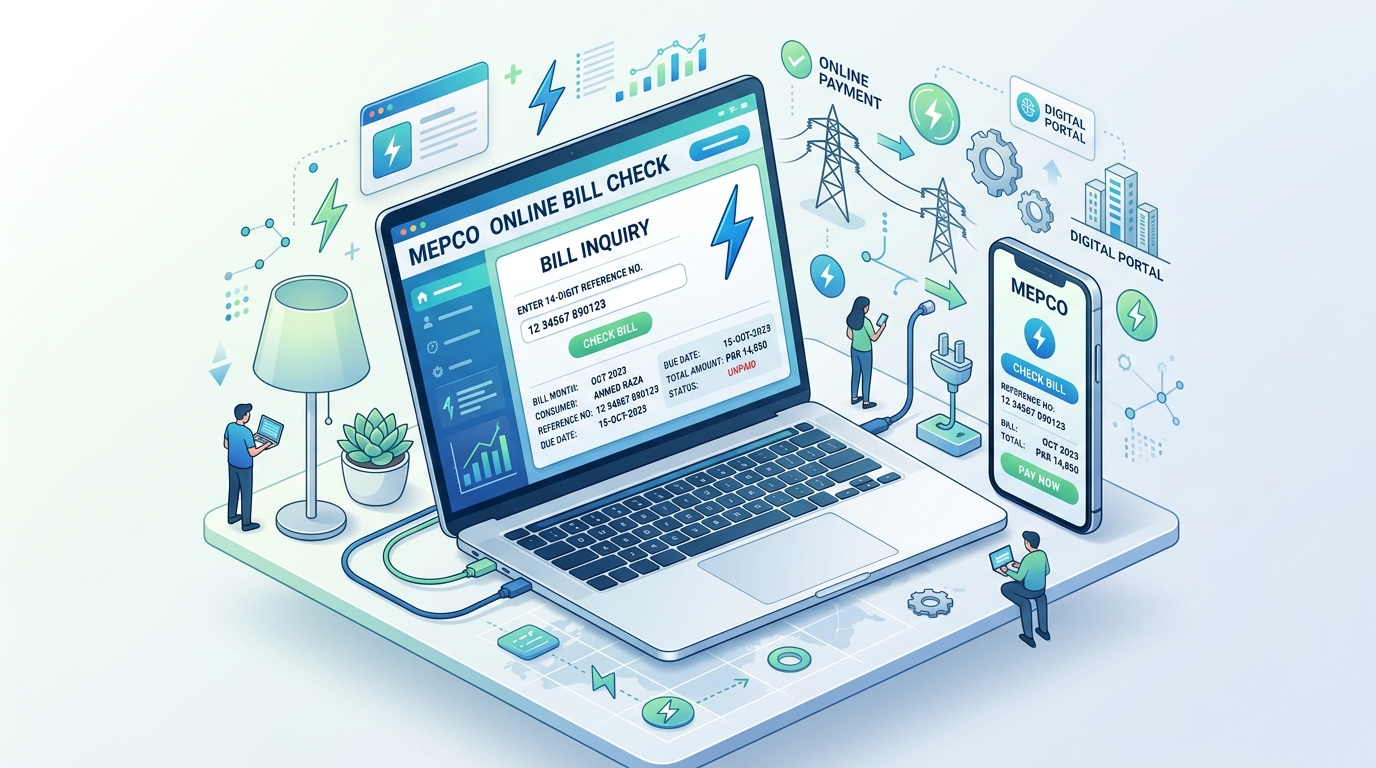
Step-by-Step 8118 SMS Registration Instructions:
- Retrieve any previous physical MEPCO electricity bill or an online duplicate copy from BillsOnlinePk.
- Locate your unique 14-Digit Consumer Reference Number. It is positioned in the prominent box near the top-left corner, ending with a single alphabet character (such as
15 15111 0987654 UorR). - Open the native SMS application on your personal mobile phone.
- Compose a new SMS message and set the recipient number to
8118. - Enter the text in the following exact standardized syntax:
REG [14-Digit Reference Number Without Spaces]. - Exact Example:
REG 15151110987654U. - Send the SMS message. A nominal carrier telecommunication charge (typically Re. 0.50 to Re. 1.00 + tax) will apply for the outgoing SMS.
- Within 60 to 180 seconds, the automated gateway will return an official confirmation text message stating: "Your mobile number 0300XXXXXXX has been successfully linked to MEPCO Reference Number 15151110987654U. You will receive monthly billing details, due date reminders, and power shutdown notices automatically."
3. Method 2: Web-Based Registration via MEPCO Customer Portal
For consumers who prefer computer interfaces or wish to register their email address simultaneously to receive full PDF duplicate bills, MEPCO provides a comprehensive online registration portal.
Web-Based Registration Steps:
- Navigate to the official MEPCO Customer Care Portal or access the SMS Registration Tool on BillsOnlinePk.
- Select your electricity company: MEPCO.
- Input your 14-digit numeric Reference Number. The secure portal performs an instant database query and validates your record, displaying the registered customer name, residential address, tariff class (A-1a, A-1b, or A-2), and feeder name.
- Enter your primary 11-digit mobile phone number (e.g.,
03012345678) and 13-digit Computerized National Identity Card (CNIC) number. - Optionally input your active email address if you want a complete 300 DPI duplicate bill PDF sent to your inbox each month.
- Click Submit Registration Details. A 4-digit One-Time Password (OTP) verification PIN will be dispatched to your mobile phone. Enter this code into the portal screen to verify mobile ownership and finalize synchronization.
4. Method 3: Mobile App Registration via Roshan Zarai & PITC Portals
Agricultural tube-well operators (Tariff D) and modern tech-savvy urban homeowners can also utilize dedicated mobile apps such as the PITC Customer Services App and the Roshan Zarai App available on the Google Play Store. By creating a profile verified with your biometric CNIC, users can track multi-year consumption history graphs, compare historical summer peaks, and toggle push notifications alongside standard SMS alerts.
5. Comprehensive Breakdown of Monthly SMS Notification Metrics
When the MEPCO revenue management system processes your monthly meter reading, an automated SMS notification is constructed and dispatched. Understanding each component of this notification ensures total billing transparency:
| SMS Telemetry Field | Example Data | Technical & Consumer Significance |
|---|---|---|
| Reference Number | 14151320194821U | Indicates the physical property meter connection being billed. |
| Billing Cycle Month | OCT-2026 | Identifies the corresponding monthly billing calendar cycle. |
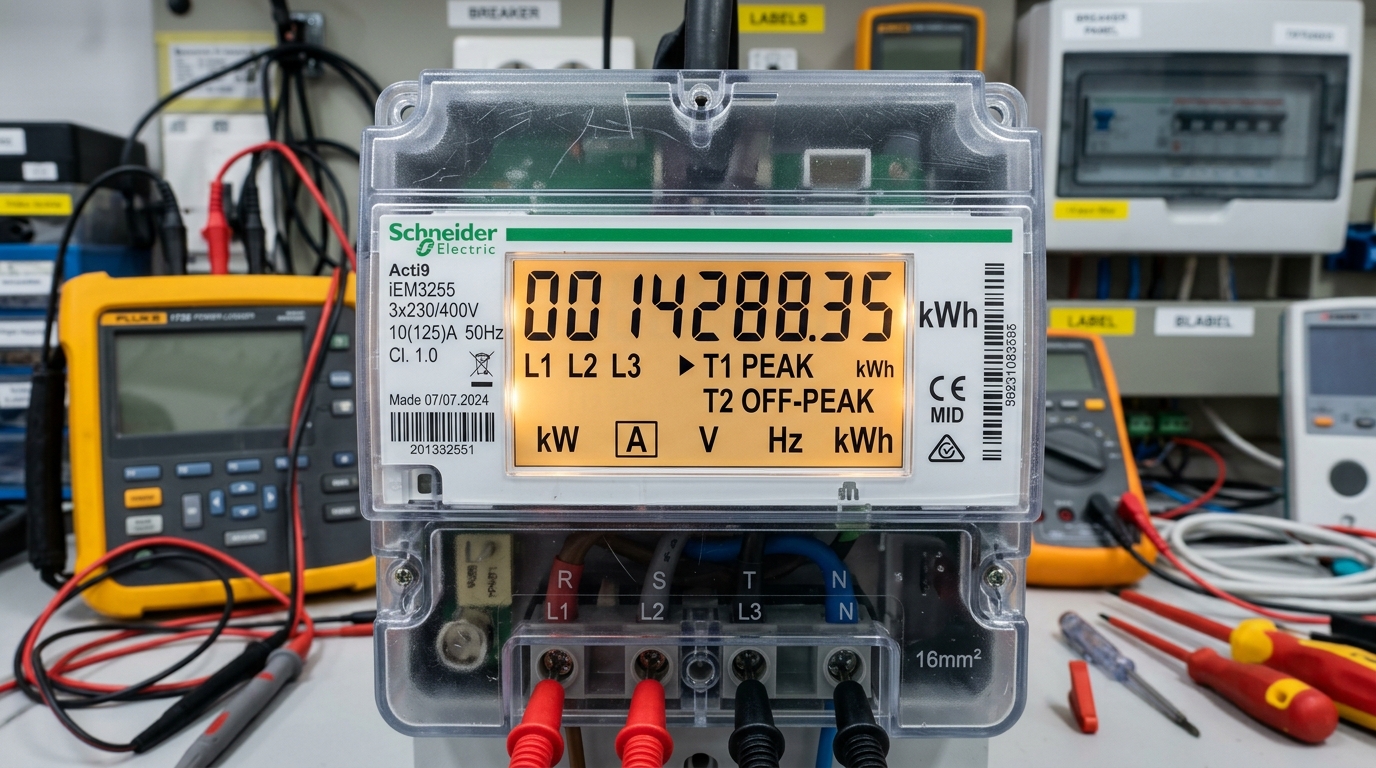
| Units Consumed (kWh) | 385 Units | Allows instant cross-verification against your physical meter LCD screen. |
| Payable Within Due Date | Rs. 21,450 | Net billing total inclusive of base slab tariff, taxes, and current FPA. |
| Payment Due Date | 17-OCT-2026 | The absolute deadline for paying without incurring late payment penalties. |
| Payable After Due Date | Rs. 23,595 | Total payable if payment is delayed (inclusive of 10% statutory LPS surcharge). |
| Direct PDF Web Link | bit.ly/mepco-bill-xyz | Encrypted URL directing you to a scannable, print-ready duplicate bill PDF. |
6. How to Update, Transfer, or Unlink Registered Mobile Numbers
Situations frequently arise where a consumer needs to alter the telephone number associated with a utility connection—such as when selling a residential property, replacing a lost SIM card, or concluding a tenancy agreement:
- Overwriting via New SMS: The PITC billing database maintains a single active primary mobile number per utility connection. Sending a new
REG [14-Digit Reference Number]SMS to8118from a new mobile device automatically overwrites and supersedes any previously registered telephone number. - Unlinking Old Numbers for Tenants: If you are vacating a rented house and wish to remove your personal phone number from the landlord's meter, send an unregister command:
UNREG [14-Digit Reference Number]to8118. The system disassociates your mobile profile immediately. - Formal SDO Record Update: To permanently update consumer contact profiles within physical MEPCO sub-divisional ledgers, submit a written CNIC copy alongside a recent paid bill copy to your local Revenue Officer (RO).
7. Troubleshooting: Fixing MNP, DND & Gateway Delivery Failures
If you have registered with 8118 but fail to receive monthly text messages, the failure almost always stems from telecommunication operator filtering rather than MEPCO billing errors:
- Mobile Number Portability (MNP) Blocks: If you transitioned your SIM card between networks (such as porting from Jazz to Zong or Telenor to Ufone), telecom carrier firewalls frequently block automated Application-to-Person (A2P) shortcodes. Call your mobile operator helpline (Jazz 111, Telenor 345, Zong 310, Ufone 333) and request customer support to "Enable A2P Promotional and Shortcode Business Messages on Ported SIM".
- Pakistan Telecommunication Authority (PTA) DND Registry: If your mobile number was registered with PTA's Do-Not-Disturb (DND) anti-spam registry, your carrier may treat utility shortcode broadcasts as commercial spam. To resolve this, text
UNSUBor contact your network provider to whitelist utility transactional shortcodes. - Storage Quota Full: Ensure your phone's SMS inbox is not full. Older feature phones with limited flash memory block incoming texts when message capacity is reached.
8. Eliminating Postal Delays & Avoiding Late Payment Surcharges (LPS)
The operational lead time provided by the SMS service is its single greatest financial benefit. In standard distribution practice, bills are generated on Day 1 of the billing cycle, printed at central printing presses on Day 3, handed to courier services on Day 6, and physically distributed between Day 10 and Day 14. This leaves consumers with an extremely narrow 2-to-4 day window before the Day 16 or Day 18 payment deadline.
In contrast, the SMS notification is dispatched automatically on Day 1—the exact millisecond the reading is committed to the central billing server. You gain 10 to 15 additional days of advance notice. This ample buffer enables you to budget finances smoothly and settle accounts via 1Link mobile banking applications, JazzCash, or Easypaisa well before due dates, permanently protecting your household from LPS penalties.
9. Managing Multiple Connections for Landlords & Commercial Properties
Property owners who manage multiple rental apartments, commercial shops, agricultural tubewells, or family residences do not need multiple SIM cards. The PITC shortcode system permits a single mobile telephone number to monitor up to five distinct consumer reference numbers. Simply repeat the REG [Reference Number] SMS to 8118 for each individual meter connection. Each month, you will receive individual, clearly labeled text messages for every registered property.
10. Frequently Asked Questions (FAQs)
Q1: Is there any recurring monthly charge or subscription fee for MEPCO SMS alerts?
No. MEPCO provides the billing alert service completely free of charge. You only incur standard telecom carrier messaging charges once during the initial registration SMS sent to 8118.
Q2: Can I pay my electricity bill directly through the SMS link?
The link provided in the SMS opens your digital duplicate bill. To execute payment, copy your 14-digit reference number and enter it into any Pakistani mobile banking app (HBL, Meezan, UBL, Alfalah), JazzCash, or Easypaisa under the 'Electricity Bill' payment tab.
Q3: Will the SMS alert inform me if my meter has been put on Average Billing?
Yes. If your physical meter is defective or unreadable, the SMS notification will display the estimated units assessed followed by the code (AVG/DEF), immediately alerting you to initiate meter replacement proceedings.